← Back to the overview

Client records

Client records and forms in one place

Everything you need to know about a customer – from allergies to colour formulas – plus notes and photos of every appointment. For the services where you need it, customers fill in forms and consent forms digitally before the appointment, saved as a PDF.

Coming soon

Free download for iPhone and Android

A record with your own fields

How it works

From the first visit to the signed form

Client records

A record with your own fields

Store phone, e-mail and notes, and create your own fields for what matters in your work – for example allergies, nail shape, colour formula or material used.

  • Your own fields with suggestions for your trade
  • Only you can see the record
  • Number of appointments, last visit and customer since at a glance
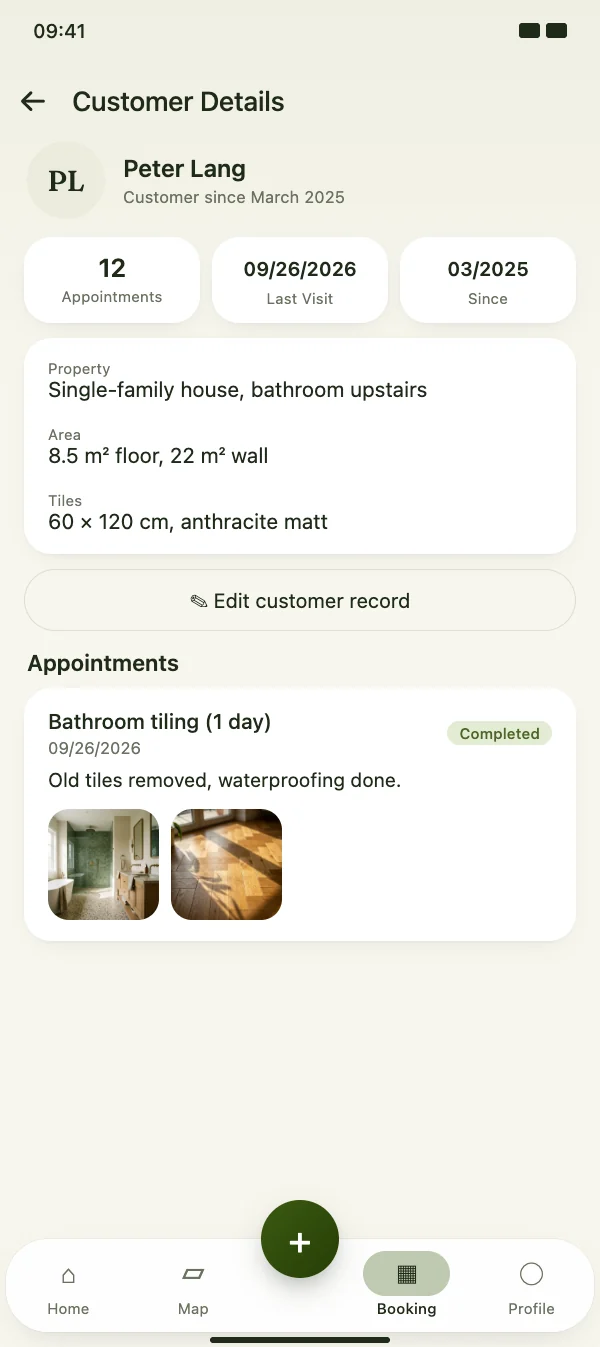
A record with your own fields

Client records

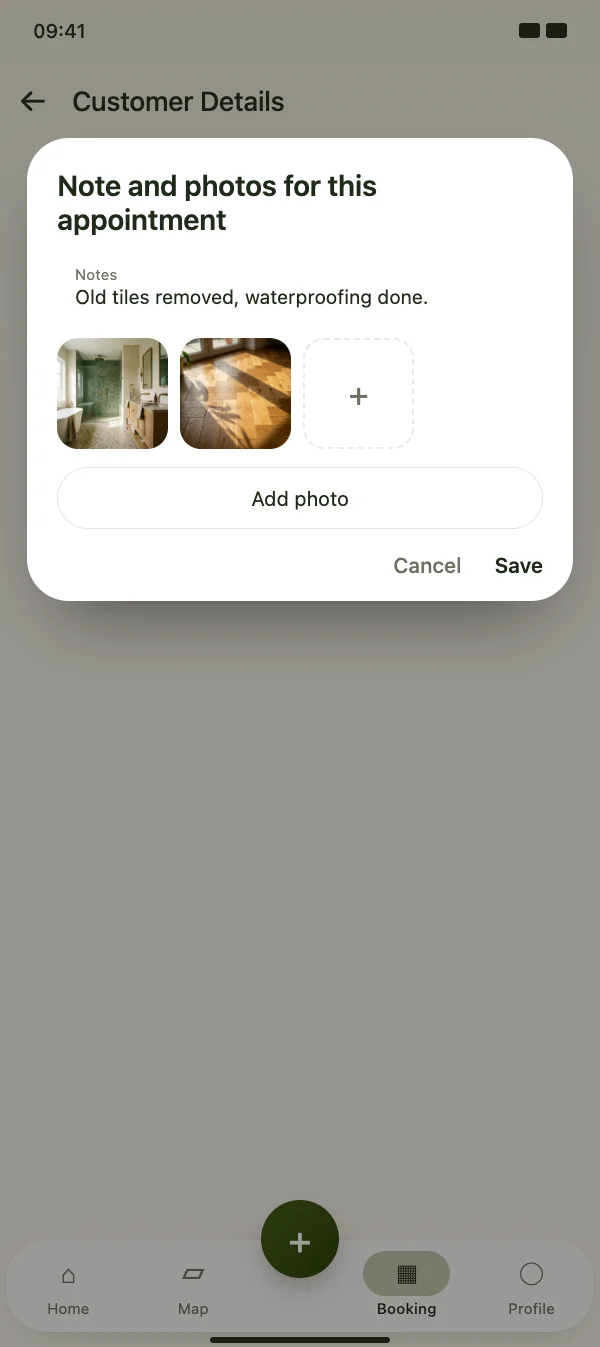
Notes and photos for each appointment

After the appointment, note what you did and add photos of the result. Next time you see at once what the customer had last time.

  • One note and several photos per appointment
  • Photos are stored privately, not in your public profile
  • All visits in the appointment history of the customer
Notes and photos for each appointment

Client records

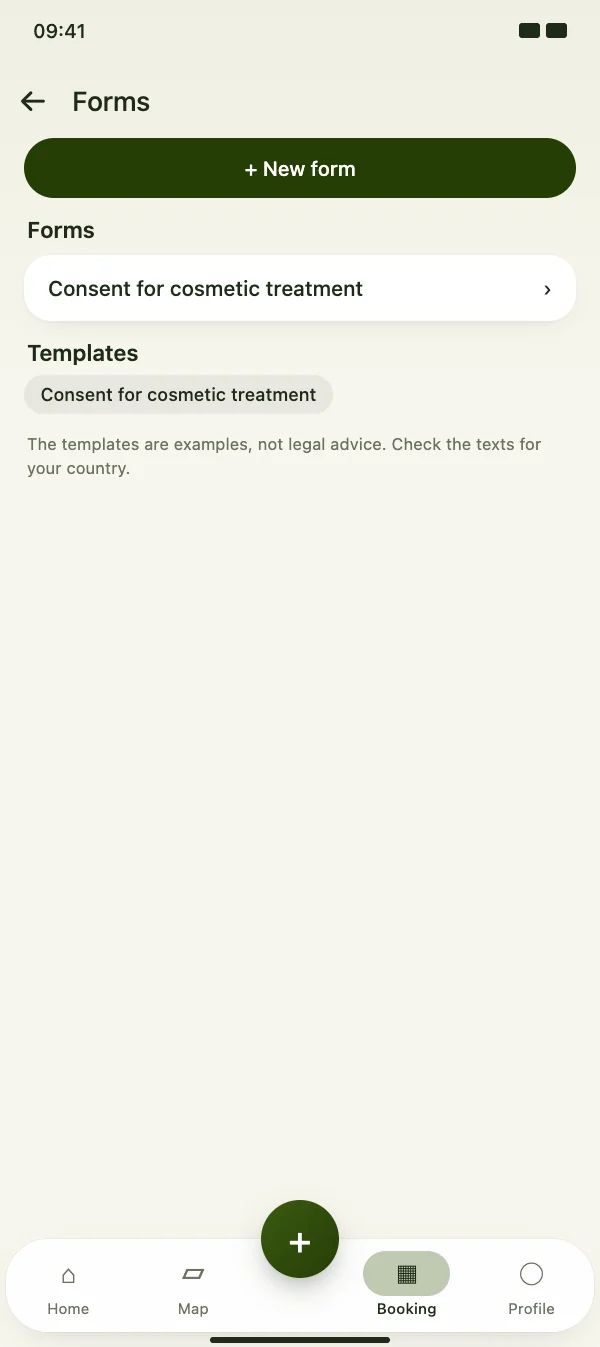
Forms and consent forms

Create forms with info text, text fields, yes/no questions, checkboxes, dates and a signature – or start from a template. Assign them to the services they belong to.

  • Templates such as a consent form and a health questionnaire
  • You decide per service whether a form is needed – without one, nothing is asked
  • Texts can be changed and adapted to the rules of your country
Forms and consent forms

Client records

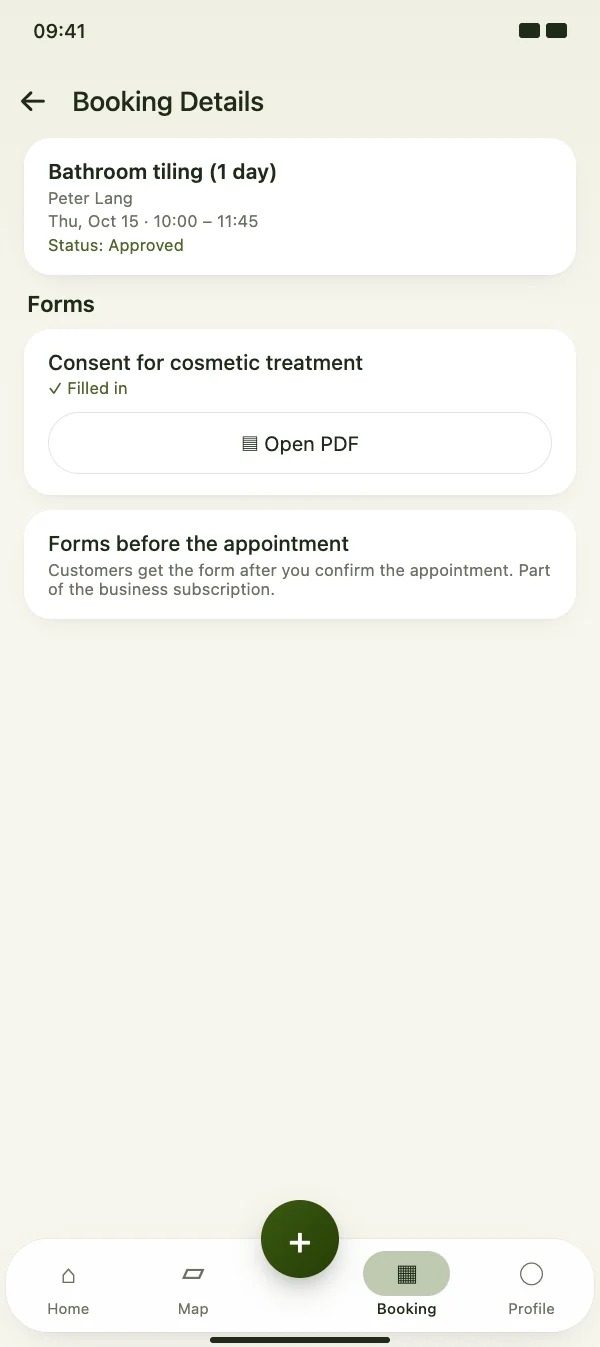
Filled in on the phone, saved as a PDF

If a service has a form, the customer gets a link once you confirm the appointment and fills it in in the browser – with a signature if your form has a signature field. Or hand over your device in the studio. The PDF is saved with the booking and in the client record.

  • Customers get the link by push or e-mail
  • You see in the booking whether the form has been filled in
  • PDF with all answers, date and – if required – signature
Filled in on the phone, saved as a PDF

FAQ

Questions about client records and forms

What does it cost?

The client record with fields and notes is included for every studio. Photos per appointment and forms are part of the CraftMe Pro subscription.

Who can see the data?

Only your studio. Records, notes and photos are not shown in your profile or to other users.

May I store health data such as allergies?

Store health data only with your customer's consent – the app reminds you of this in the record. A consent form with a signature helps you document it.

Are the templates legally binding?

The templates are examples, not legal advice. Check the texts for your country and adapt them before you use them.

Start your client records today

Download CraftMe for free and open your customers via the menu in the Booking tab.

Coming soon

Free download for iPhone and Android