← Back to the overview

Folders & memos

Everything the team needs to know – in folders instead of chat groups

Memos replace scattered messages: announcements reach the whole team, photos and voice notes from the site land with the right job, and everyone sees only the folders meant for them.

Coming soon

Free download for iPhone and Android

Announcements, team folder and your own folders

How it works

How folders and memos work

Folders & memos

Announcements, team folder and your own folders

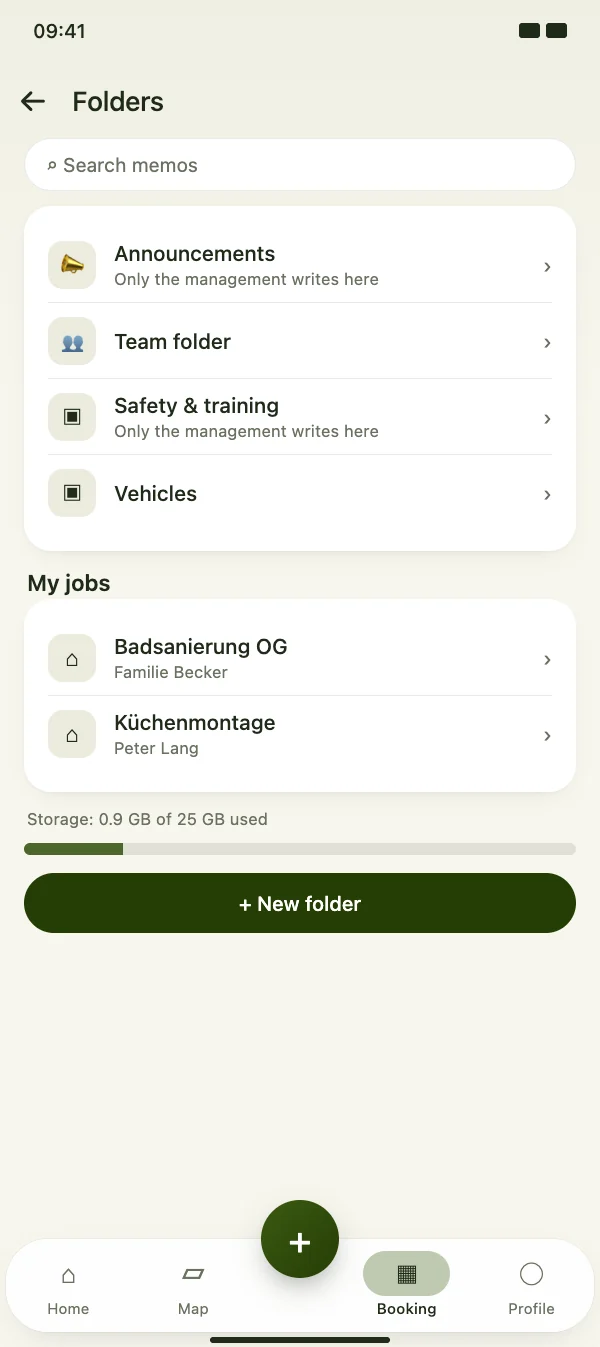
Every business starts with announcements and a team folder. Add your own folders, for example for safety or vehicles. Your jobs and properties have their own memos.

  • Announcements reach the whole team by push
  • “My jobs” shows the jobs you work on
  • Search across all memos
Announcements, team folder and your own folders

Folders & memos

Memos with photos and voice notes

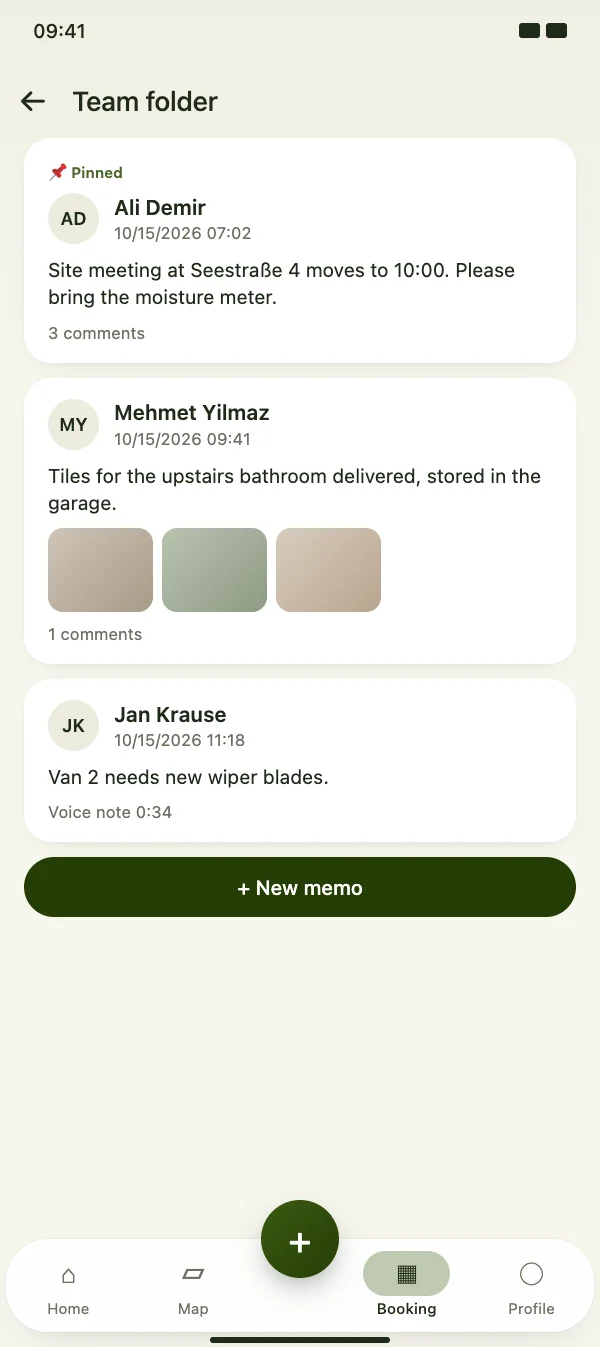
A memo shows who wrote it and when, with text, photos and voice notes. Important memos can be pinned to the top, and the team discusses them in the comments.

  • Pin important memos to the top
  • Comments under every memo
  • Memos can be edited later
Memos with photos and voice notes

Folders & memos

Post right from the site

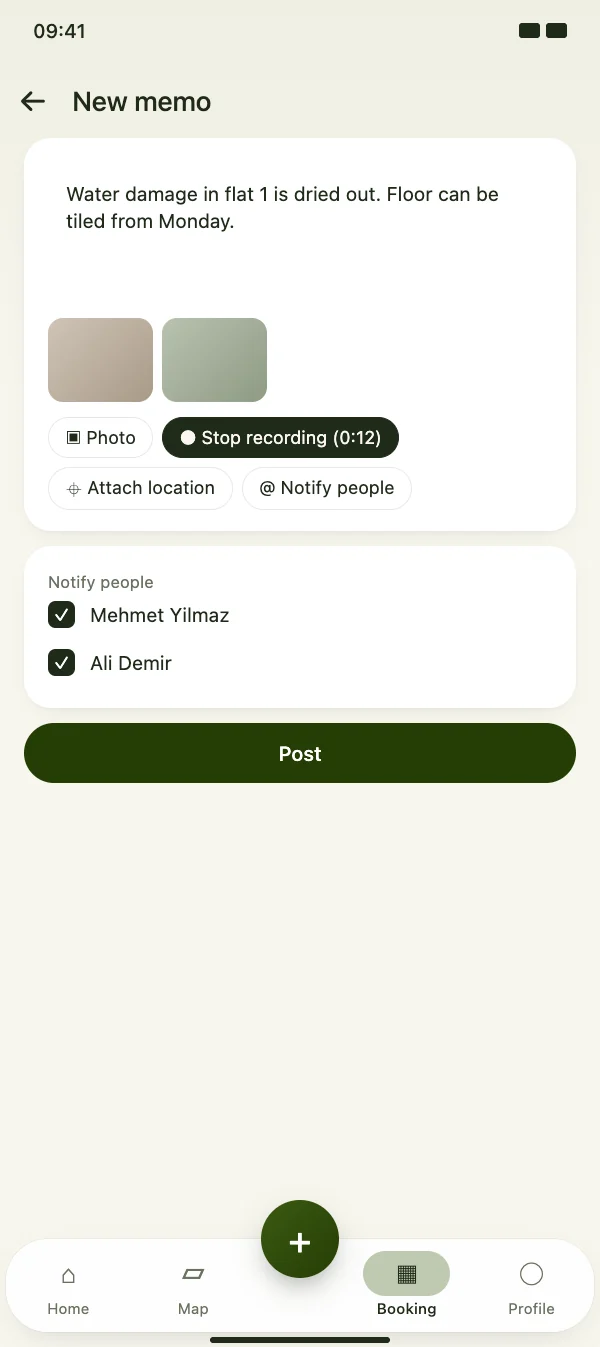
Write a few lines, add up to 10 photos, record a voice note or attach your location. Choose who should get a push – everyone else reads it when they open the folder.

  • Up to 10 photos per memo
  • Voice note instead of typing
  • Location opens on the map
Post right from the site

Folders & memos

Clear rights per folder

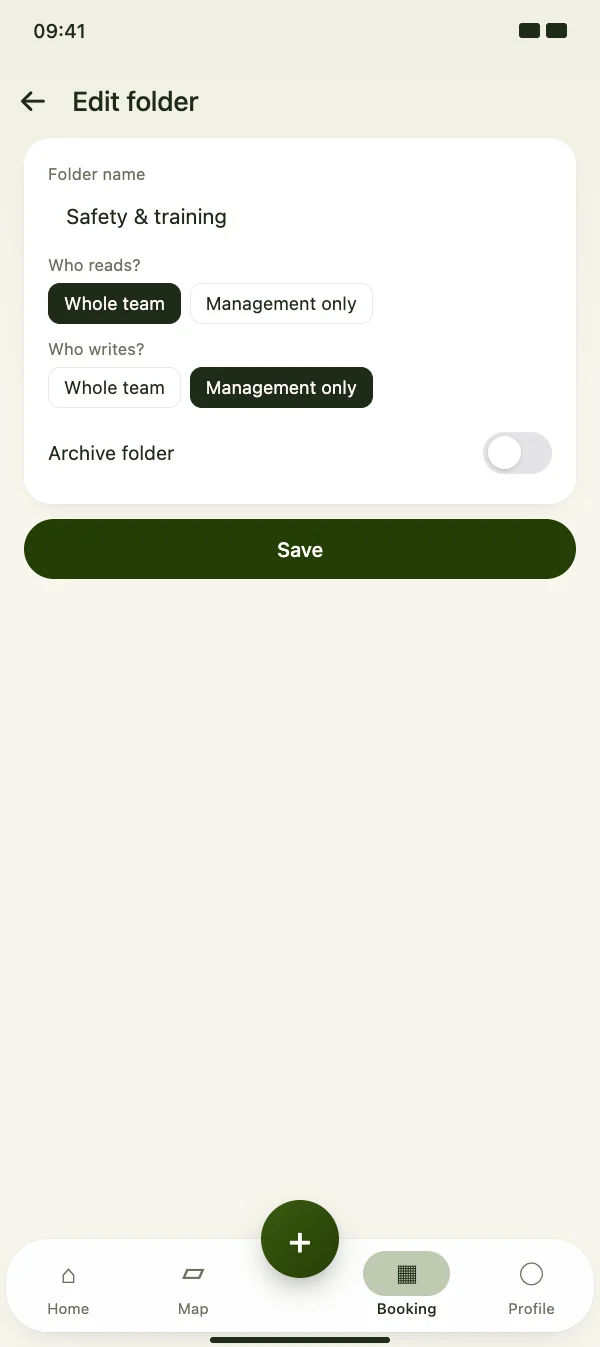
For each folder you decide who reads and who writes: the whole team or only the management. Folders you no longer need go to the archive.

  • Who reads: whole team or management
  • Who writes: whole team or management
  • Archived folders take no new memos
Clear rights per folder

FAQ

Questions about folders and memos

What does it cost?

Folders and memos are included in CraftMe Pro – for your own notes, photos and voice notes on jobs. The group subscription adds announcements, the team folder and rights per folder.

Who gets a push?

For announcements, the whole team. For other memos, only the people you choose under “Notify people” – and only if they may read the folder.

How much storage is there?

Photos and voice notes count towards the storage of your business. CraftMe shows in the folders how much is used.

Can team members see properties?

Memos on properties are written by the owner and the management, and accounting can read them. Employees see the memos of the folders and jobs they belong to.


Start your team folder

Download CraftMe for free and open the folders via the menu in the Booking tab.

Coming soon

Free download for iPhone and Android